ZPayNG Digital Services Limited

ZPayNG Digital Services Limited

@zpayngfinance

✨ Happy New Month — October 2026!

A new month. New opportunities. Bigger goals. Greater possibilities.

This October, do business with Z Business — your business payment and financial technology platform built to help you manage corporate accounts, business payments, invoices, payment links, bulk SMS, virtual cards, analytics, developer APIs and more.

💼 Build. Pay. Grow.
🌍 Take your business beyond borders with ZPayNG.

Explore ZPayNG: https://zpayng.com

Explore Z Business: https://business.zpayng.com

ZPayNG — More Than Just Payments.

ZPayNG is a financial technology platform, not a bank. Banking, payment processing, card issuing and other regulated financial services are provided by licensed financial institution partners in their respective jurisdictions.

image

One Payment Platform. More Possibilities. 🚀

Whether you’re an individual managing your finances, looking for a virtual card, a business opening a corporate account, or a developer building payment solutions — ZPayNG is built to help you move forward.

💼 Businesses: Manage payments, transfers & business operations with ZPayNG Business.
💳 Individuals: Manage your finances and access virtual card solutions.
👨‍💻 Developers: Build and integrate with ZPayNG APIs.

🌍 Need to make or receive payments across borders? Explore the solutions available for your business.

Explore ZPayNG: zpayng.com
ZPayNG Business: business.zpayng.com
Developer Docs: docs.zpayng.com

ZPayNG — More Than Just Payments.

ZPayNG is a financial technology platform, not a bank. Banking and other regulated financial services are provided by licensed financial institution partners in their respective jurisdictions.

image

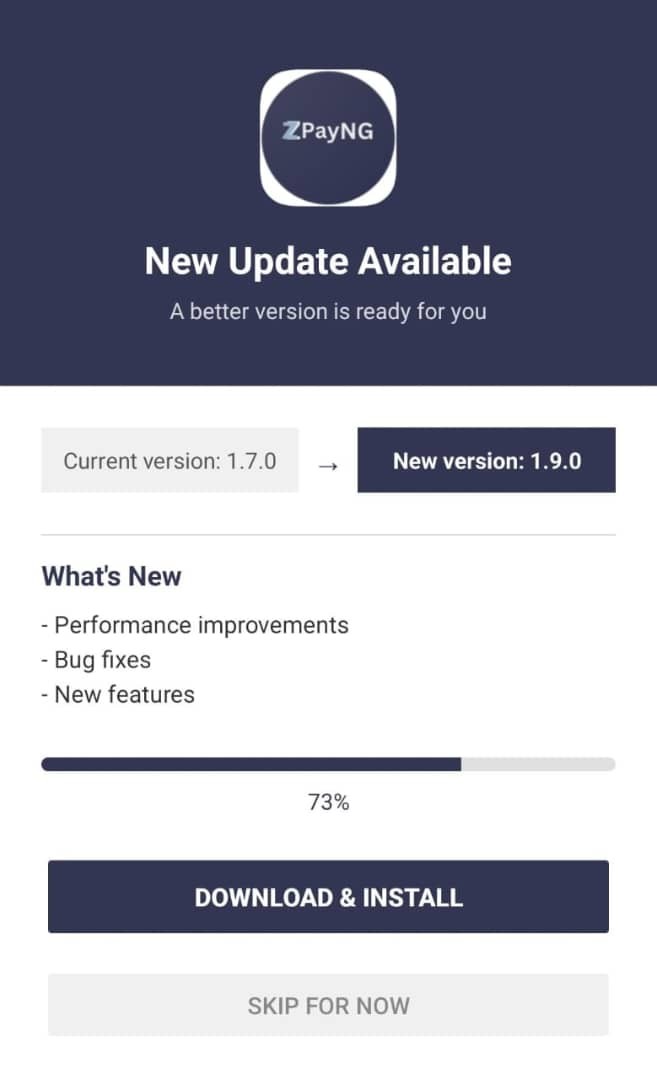
🚀 NEW UPDATE AVAILABLE — ZPayNG & ZPayNG Business

A better ZPayNG experience is here! 🎉

We’ve released a new update for ZPayNG and ZPayNG Business (Z Business), bringing a refreshed navigation experience, improved performance, bug fixes, and new features.

📲 Please update your app to the latest version to experience the new look, smoother navigation, and improved performance.

And this is just the beginning. Going forward, app updates and new improvements will be delivered more seamlessly across the D-N For Developers Ltd. infrastructure, helping us continuously improve your experience within the ZPayNG ecosystem.

Update today. Experience the difference.

— ZPayNG
Powered by D-N For Developers Technologies Company Ltd.

image

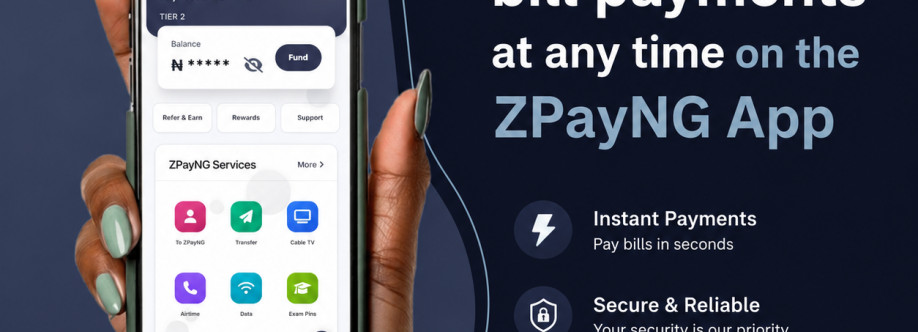
One Clean Dashboard. All Your Financial Needs. 💙

Manage your NGN & USD balances from one powerful dashboard.

With ZPayNG, you can: 💳 Create and manage USD & NGN virtual cards
💸 Send and receive money securely
🌍 Move money with confidence around the world
📱 Pay bills, buy airtime & data instantly
🎁 Earn rewards and much more

Simple. Secure. Built for everyone.

Join ZPayNG today:
🌐 zpayng.com
🏢 business.zpayng.com


Note: ZPayNG is a financial technology platform and not a bank. Banking, payment processing, card issuing, and other regulated financial services are provided by our licensed financial institution partners in their respective jurisdictions.

#zpayng #fintech #digitalpayment #payments #virtualcards #usd #ngn #crossborderpayments #moneytransfer #morethanjustpayments

image

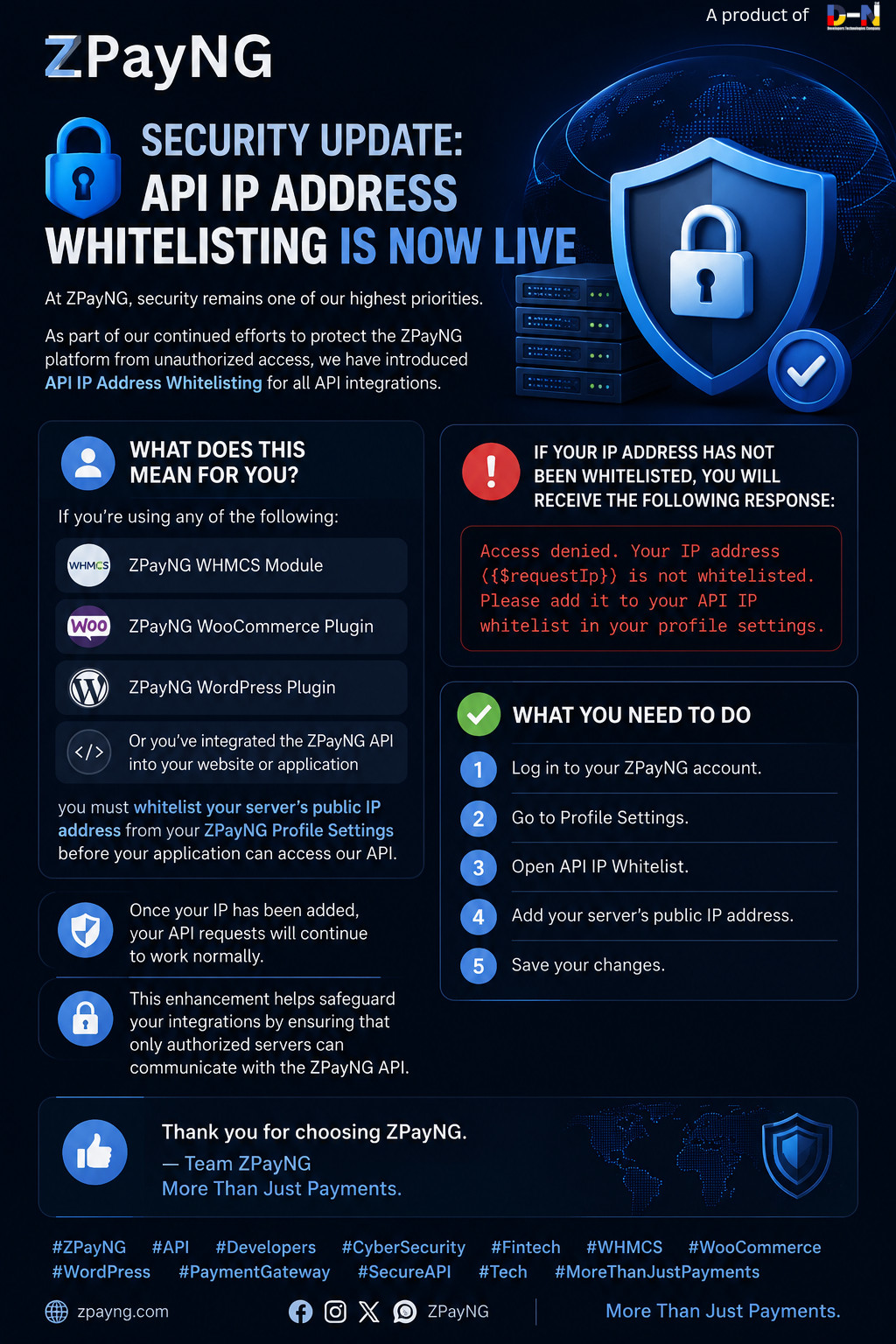
🔐 Security Update: API IP Address Whitelisting is Now Live

At ZPayNG, security remains one of our highest priorities.

As part of our continued efforts to protect the ZPayNG platform from unauthorized access, we have introduced API IP Address Whitelisting for all API integrations.

What does this mean for you?

If you're using any of the following:

• ZPayNG WHMCS Module
• ZPayNG WooCommerce Plugin
• ZPayNG WordPress Plugin

Or you've integrated the ZPayNG API into your website or application

you must whitelist your server's public IP address from your ZPayNG Profile Settings before your application can access our API.

If your IP address has not been whitelisted, you will receive the following response:

> Access denied. Your IP address ({$requestIp}) is not whitelisted. Please add it to your API IP whitelist in your profile settings.

✅ What you need to do

1. Log in to your ZPayNG account.
2. Go to Profile Settings.
3. Open API IP Whitelist.
4. Add your server's public IP address.
5. Save your changes.

image